Filters the web
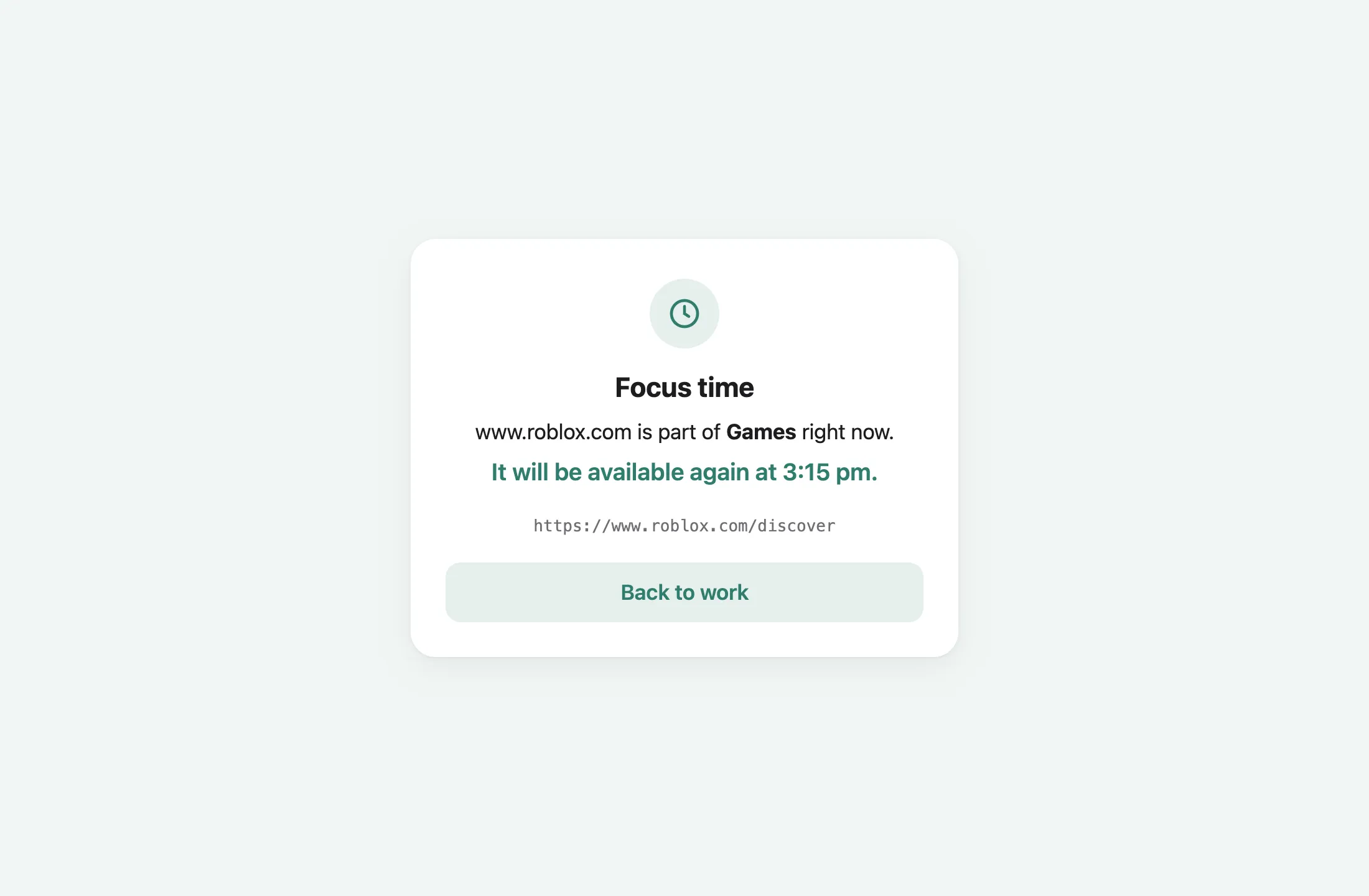
The child’s devices reach the internet through a WireGuard VPN to the home Firewalla. A filter there blocks whole sites or single pages, on a schedule or all the time, and logs every page opened. Web filter →
Filters the web
The child’s devices reach the internet through a WireGuard VPN to the home Firewalla. A filter there blocks whole sites or single pages, on a schedule or all the time, and logs every page opened. Web filter →
Keeps the history
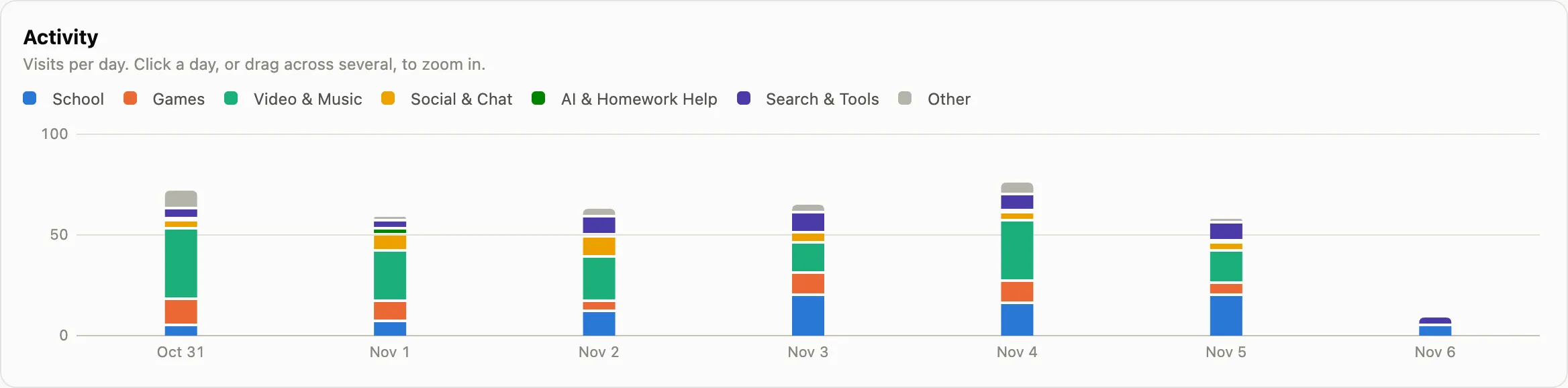
History Sync, on the child’s Mac, sends Safari and Chrome history to the Firewalla and a shared folder. Family Filter for Mac shows it as charts, categories and a timeline. Family Filter for Mac →
Focus Mode
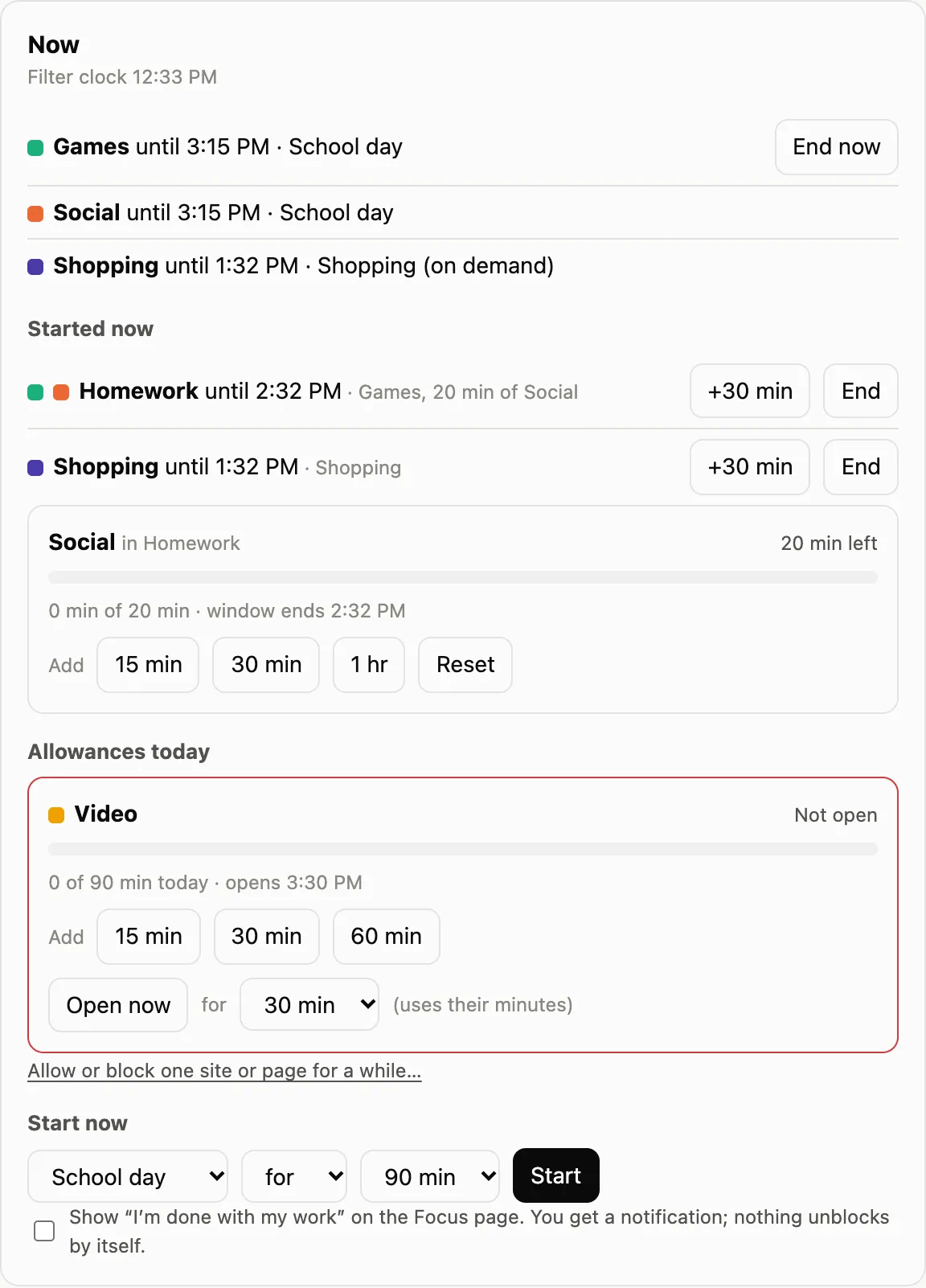
Block sets that switch on during school, homework or bedtime, time limits, daily allowances, and “I’m done with my work” for the child to ask for a break. Focus Mode →
Tells you when it matters

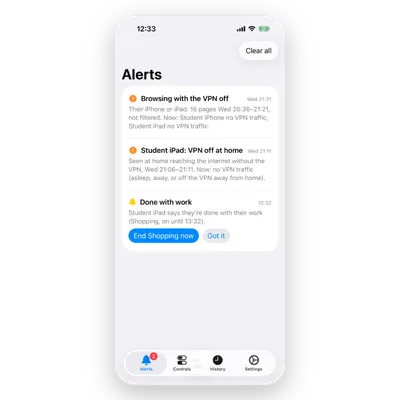
Alerts on the Mac and pushes to the parents’ iPhones: the VPN off, the certificate removed, history deleted, the filter down, or the child saying they’re done with their work. Alerts →
| Piece | Where it runs | What it is |
|---|---|---|
| URL filter | The Firewalla | mitmproxy with an add-on: rules, Focus Mode, the log and an API |
| History service | The Firewalla | Keeps the history History Sync sends, append-only |
| Notifier | The Firewalla | Pushes alerts to the parents’ iPhones |
| History Sync | The child’s Mac | Sends Safari and Chrome history every 15 minutes |
| Family Filter for Mac | A parent’s Mac | Reads the history and runs the filter |
| Family Filter for iPhone | A parent’s iPhone | Alerts, the off switches and Focus, and history, away from home too |
Start with How it fits together, or go straight to setting it up.