The child's Mac
This is everything that makes the child’s Mac filtered and recorded, in order.
It’s for a new Mac, or for rebuilding one. scripts/child-mac-check.sh checks
the result.
You need: the child’s Mac, with their account and an administrator account; a parent’s Mac with the repo and ssh to the Firewalla; and AirDrop between them.
1. On the parent’s Mac: make the files
Section titled “1. On the parent’s Mac: make the files”-
WireGuard peer 🔑. In the Firewalla app, add a VPN client for the Mac and save its config to
filter/private/<name>.conf. Git ignores that folder. -
VPN profile 🔑: always on, with the home check, and with IPv6 sent into the tunnel:
Terminal window filter/scripts/make-profile.py --wg filter/private/<name>.conf --name "<the Mac>" \--mac --no-cert --home-check https://home-check.<tailnet>.ts.net/ -
History service token 🔑, named after the Mac’s history folder (the computer name, with
'as_):filter/scripts/history-token.sh add write "<folder name>". -
History Sync Lock profile 🔑, with that token and the history service’s address as the Mac sees it through the VPN (the Firewalla’s tunnel address, port 8092):
sync/scripts/make-lock-profile.py --token-file filter/private/<token file> --server http://<Firewalla tunnel address>:8092 --out filter/private/<lock profile>. -
History Sync, signed and notarized:
NOTARY_PROFILE=history-sync sync/scripts/build-app.sh. -
Have
chrome-policy/Chrome History Lock.mobileconfigandscripts/child-mac-check.shready to AirDrop (neither holds a secret).
2. On the child’s Mac
Section titled “2. On the child’s Mac”- The child’s account is a standard user (Users & Groups, from the administrator account).
- The filter’s certificate. On the home network, open
http://<Firewalla LAN address>:8091/ca.mobileconfigin Safari, and install it in System Settings ▸ General ▸ Device Management. Then in Keychain Access ▸ System ▸ “mitmproxy”:- remove any other mitmproxy certificate. The fingerprint must match
curl -s http://<Firewalla LAN address>:8091/ca.pem | openssl x509 -noout -fingerprint -sha256; - set Trust ▸ Always Trust, in the System keychain. Not the login keychain, which the child could change. On macOS 27 the profile alone isn’t enough for Safari.
- remove any other mitmproxy certificate. The fingerprint must match
- WireGuard from the Mac App Store, if it isn’t there. The profile’s tunnel runs on it.
- VPN profile 🔑: install it. Then delete any tunnel inside the WireGuard app (keep the app), so there aren’t two with the same key.
- History Sync: copy it to /Applications and open it. Click Open Settings… and turn on Full Disk Access. Choose the shared folder. If it says Waiting for approval, allow it under Login Items. See History Sync.
- History Sync Lock profile 🔑: install it. History Sync’s Turn Off and Change… are then greyed out.
- Chrome History Lock, if Chrome is installed: see Chrome History Lock.
- VPN reconnect helper: see below.
- Delete the 🔑 files from the child’s Mac: Downloads, Desktop, and anywhere else AirDrop put them.
3. On the Firewalla
Section titled “3. On the Firewalla”Only once the certificate is trusted, add the Mac
to clients.txt, and to devices.txt as a mac.
4. Check
Section titled “4. Check”- From the child’s account:
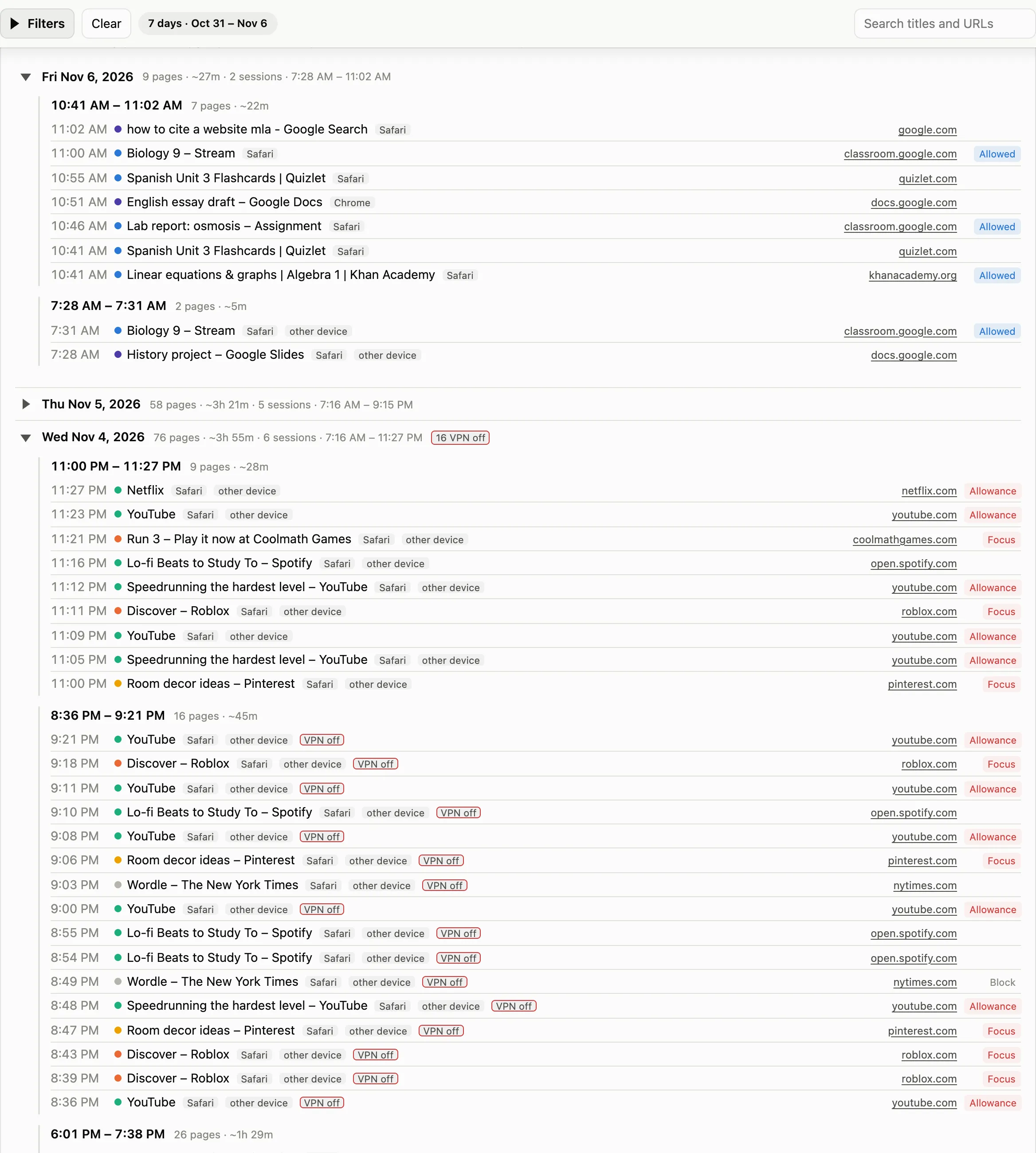
FILTER_IP=<Firewalla tunnel address> HOME_CHECK=https://home-check.<tailnet>.ts.net/ bash child-mac-check.sh. Every line should be ✓. It covers the account, the VPN, the reconnect helper and the home check, the certificate and its trust, a site really coming through the filter, History Sync (installed, loaded, locked, Full Disk Access, a recent check, the history service) and the Chrome lock. - In Family Filter for Mac: the Mac has checked in recently and no alert shows for it. A page opened on it appears in the history and in the filter’s log.
The home check
Section titled “The home check”The Mac’s VPN connects only while home can be reached, so the Mac keeps its
internet when home is down. The home check is a page that answers ok only
while home can be reached. It’s served from a Tailscale container on the
Firewalla through Tailscale Funnel, so nothing is opened on the router. The VPN
profile also sends IPv6 into the tunnel.
The VPN reconnect helper
Section titled “The VPN reconnect helper”A root job that makes sure the VPN comes back after the Mac wakes on a new network, such as at school. It starts the VPN when it’s disconnected, the child’s standard account is at the screen, and the home check answers.
Set its home check address first: edit HOME_CHECK at the top of
scripts/vpn-reconnect/vpn-reconnect.sh to your own
https://home-check.<tailnet>.ts.net/. The launch daemon doesn’t see your
shell’s environment, so the default in the file is what it uses.
scp -r scripts/vpn-reconnect <admin>@<child's Mac>:ssh -t <admin>@<child's Mac> 'sudo bash vpn-reconnect/install.sh && rm -r vpn-reconnect'The files go to the administrator’s home folder, not /Users/Shared, where the
child’s account could swap them before they run as root. It installs a script
in /usr/local/libexec/ and a launch daemon, both owned by root. It logs each
start to /Library/Logs/vpn-reconnect.log.
Sources: docs/child-mac-setup.md,
scripts/vpn-reconnect/README.md,
filter/README.md