Family Filter for iPhone
Family Filter for iPhone is the parent’s iPhone app. It shows the filter’s alerts as push notifications, has the off switches and Focus controls, and shows recent history. It talks to the Firewalla over Tailscale, so it works away from home too. Each parent’s phone has its own tokens, kept in its Keychain only.
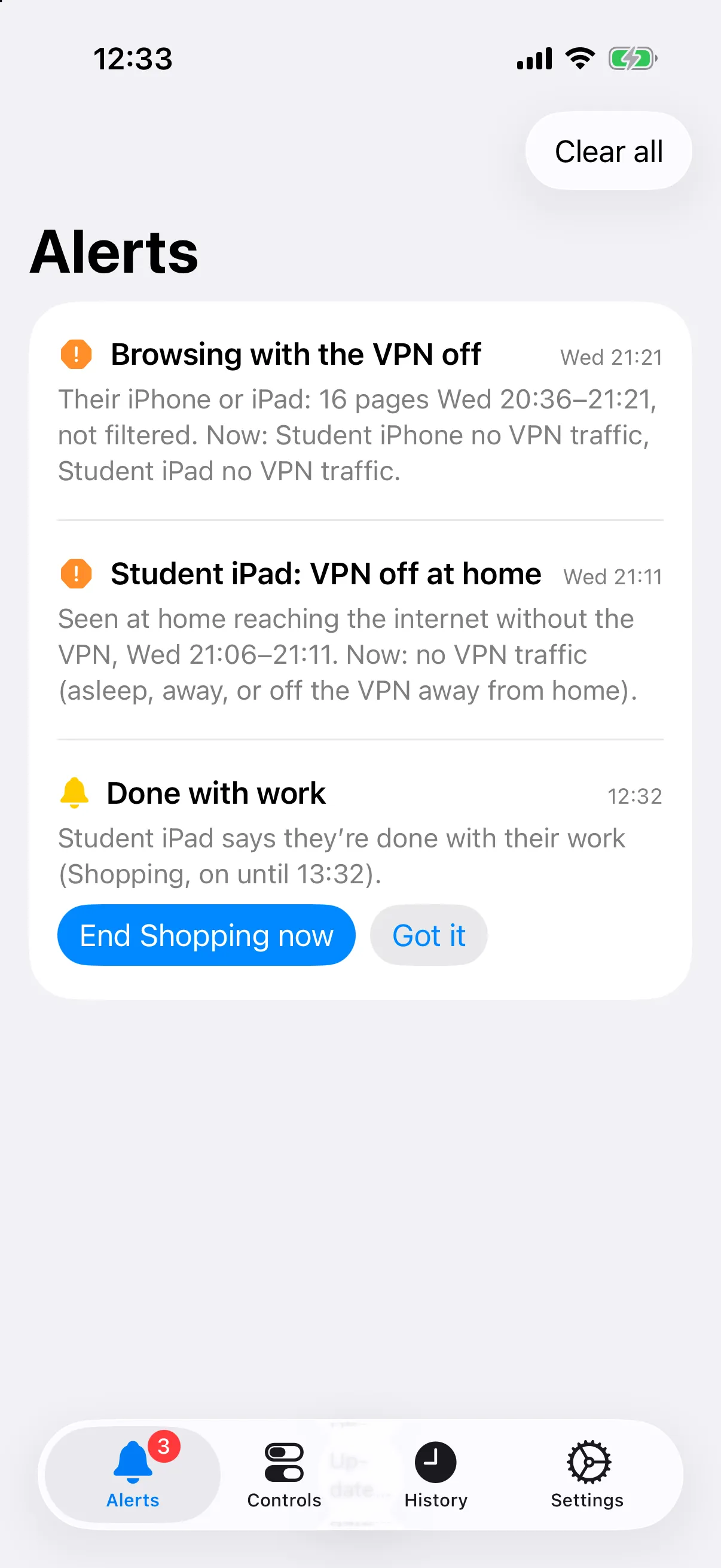
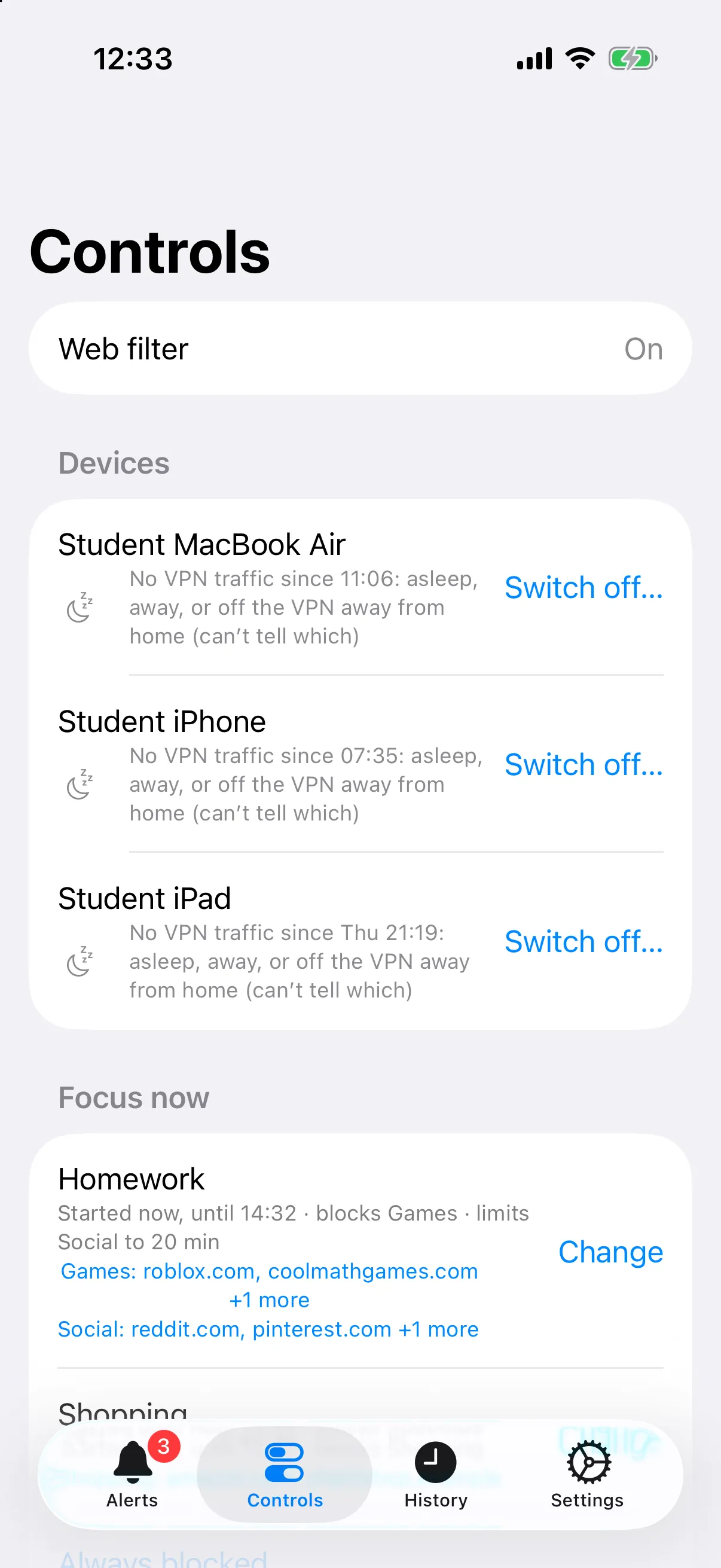
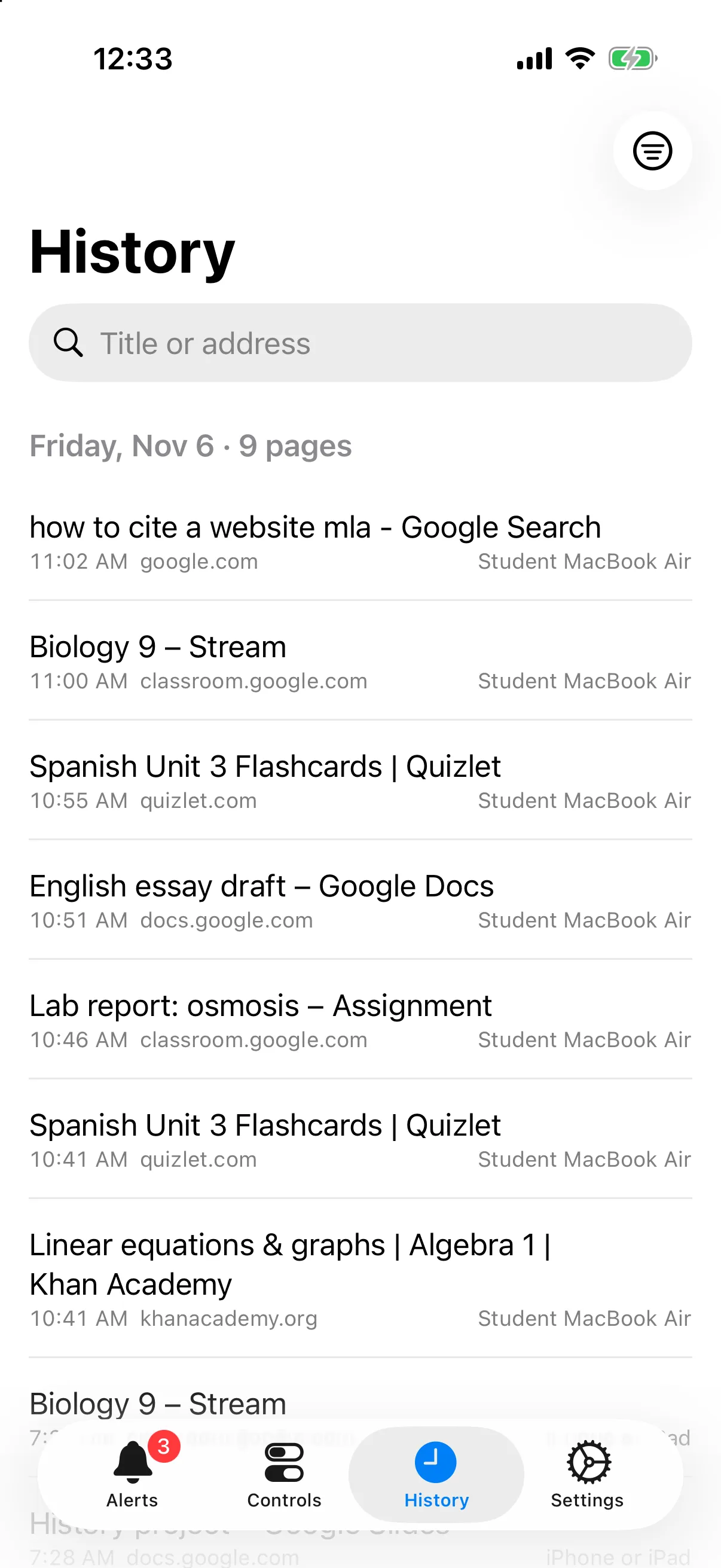
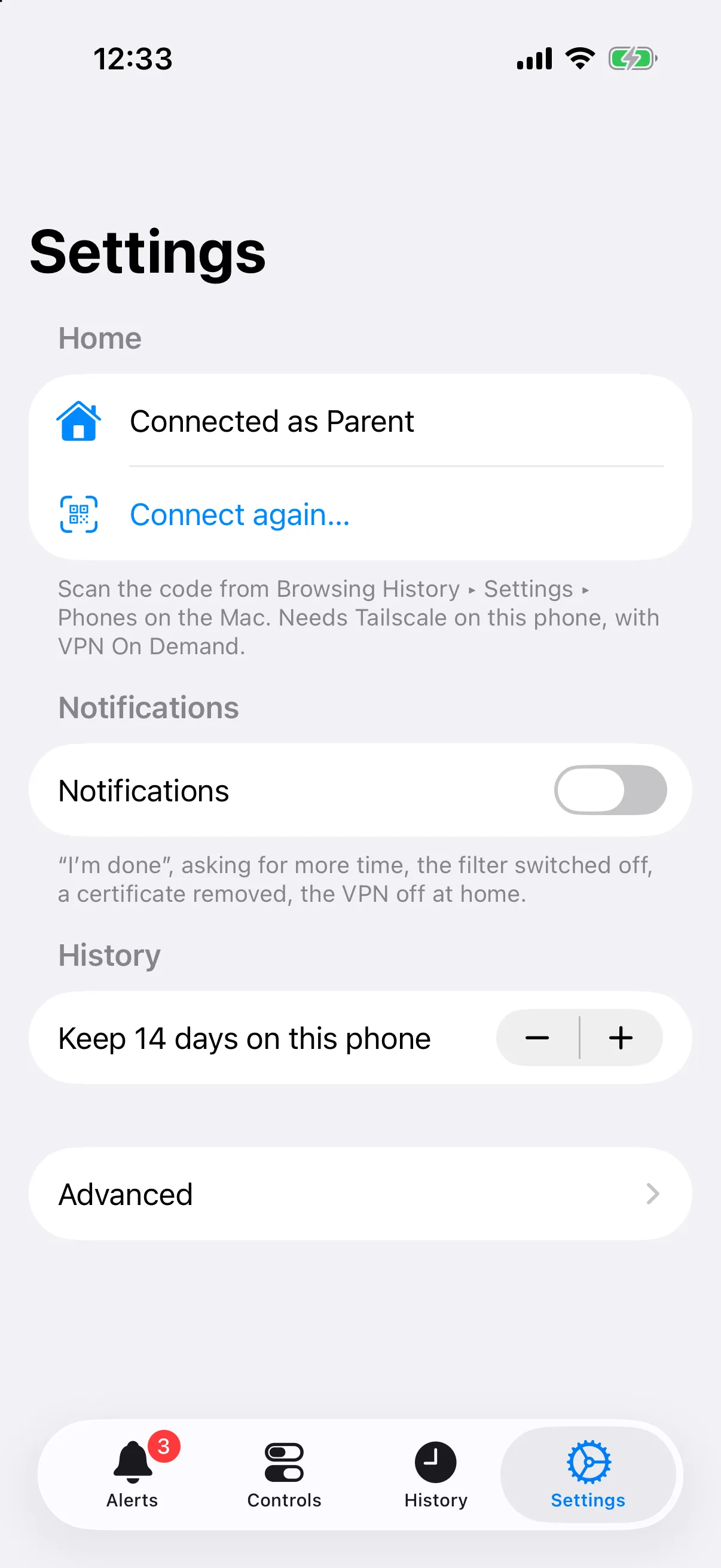
| Tab | What it does |
|---|---|
| Alerts | “I’m done” and “more time” presses (Got it / Give more time, or end the window), the filter or a device switched off, the filter not answering (and back), a certificate removed, the VPN off at home, browsing with the VPN off, and a Mac whose History Sync hasn’t checked in |
| Controls | The off switch for all the child’s devices or one, the block sets on now (extend, end, more time on a limit), and starting a block set on demand |
| History | The last 14 days (a setting) from the history service, by day, with search, a device filter and VPN-off badges |
| Settings | Connection, your name (shown when you answer an “I’m done”), notifications, and Advanced (addresses and tokens by hand) |
It’s the phone version of Family Filter for Mac, which has more: the Focus calendar and windows, block sets, site details and the full history. Both show the same alerts.
Setting up a phone
Section titled “Setting up a phone”- Install it from Xcode (the app isn’t on the App Store).
- Install Tailscale on the phone and sign in to the same tailnet, with
VPN On Demand using its MagicDNS trigger. Looking up a
*.ts.netname then brings Tailscale up by itself. The trigger only works where that network type’s rule is “Do Nothing”, so leave Wi-Fi and Cellular on Do Nothing. - Connect: on the Mac that holds the history archive, open Family Filter for Mac ▸ Settings ▸ Phones ▸ Connect a phone… and name the phone. Family Filter for iPhone opens on Connect to home and scans the code. That gives the phone its own filter and history tokens, the addresses and its name. To revoke both tokens, remove the phone on the Mac.
- Allow local network access when asked.
- Notifications: Settings ▸ Notifications on, then Send a test.
Push notifications come from Apple, so they arrive whether or not Tailscale is up.
Source: ios/README.md